 SafeCirSafeCir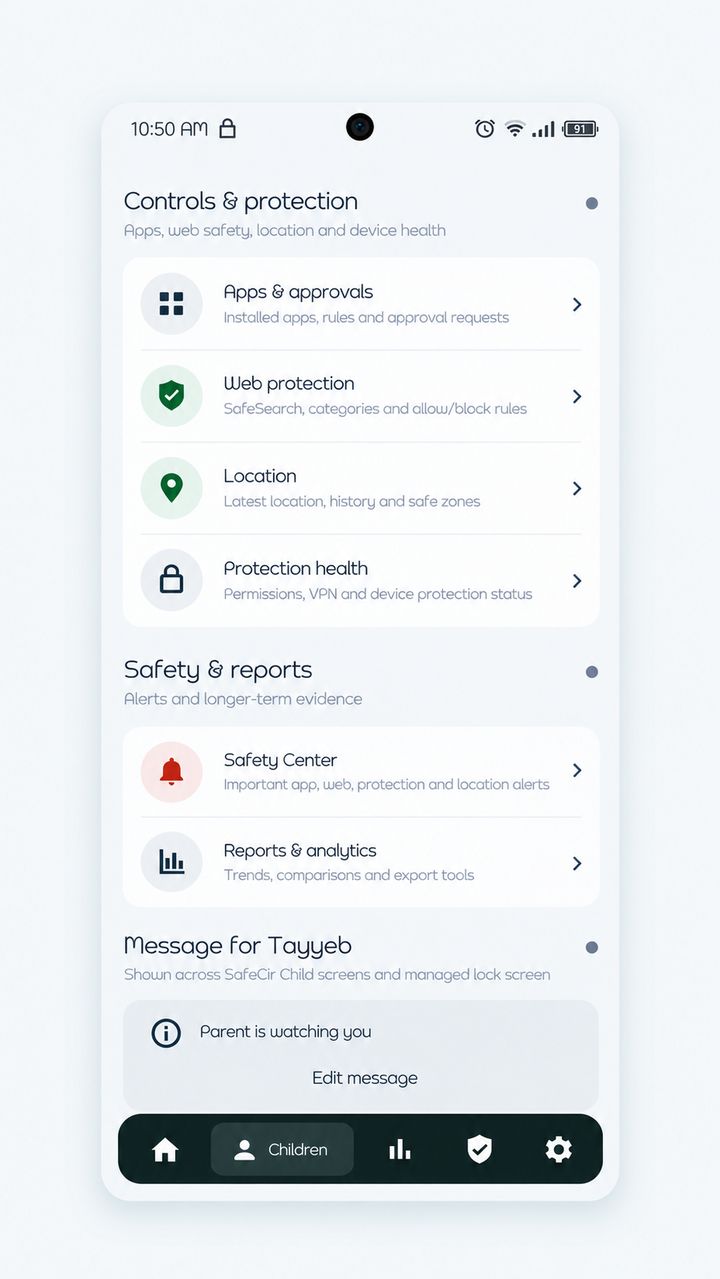
 SafeCir
SafeCir is a parental control app for Android. You install the Parent app on your phone and the Child app on your child's phone. From your phone you can check screen time, manage apps, filter websites and see location.
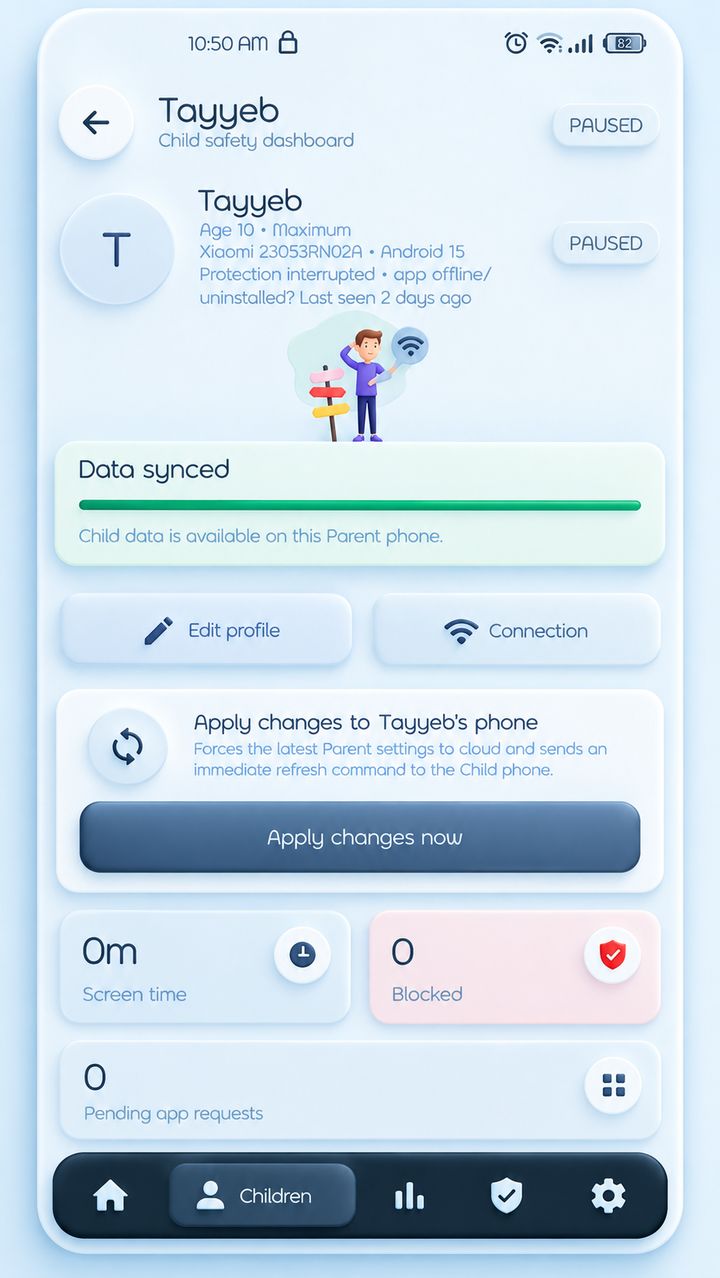
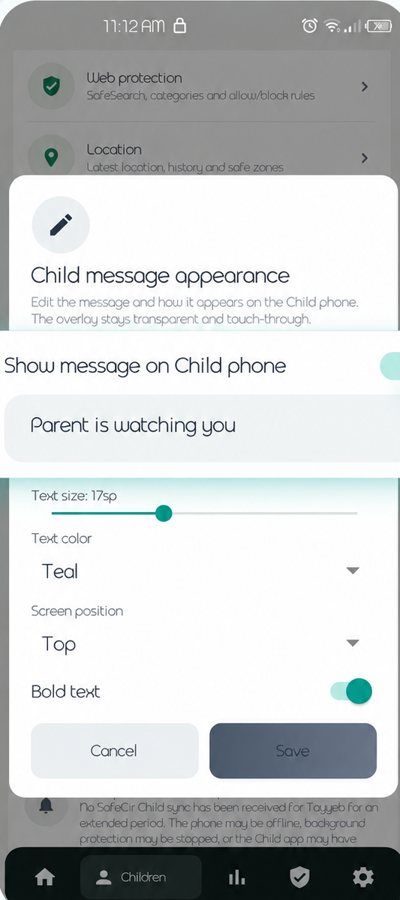
See how it worksPrivacyEach child has their own page. It shows the child's name and phone, whether protection is running, and tiles for screen time, blocked attempts and pending app requests.
A banner tells you when the child's data has synced to your phone.
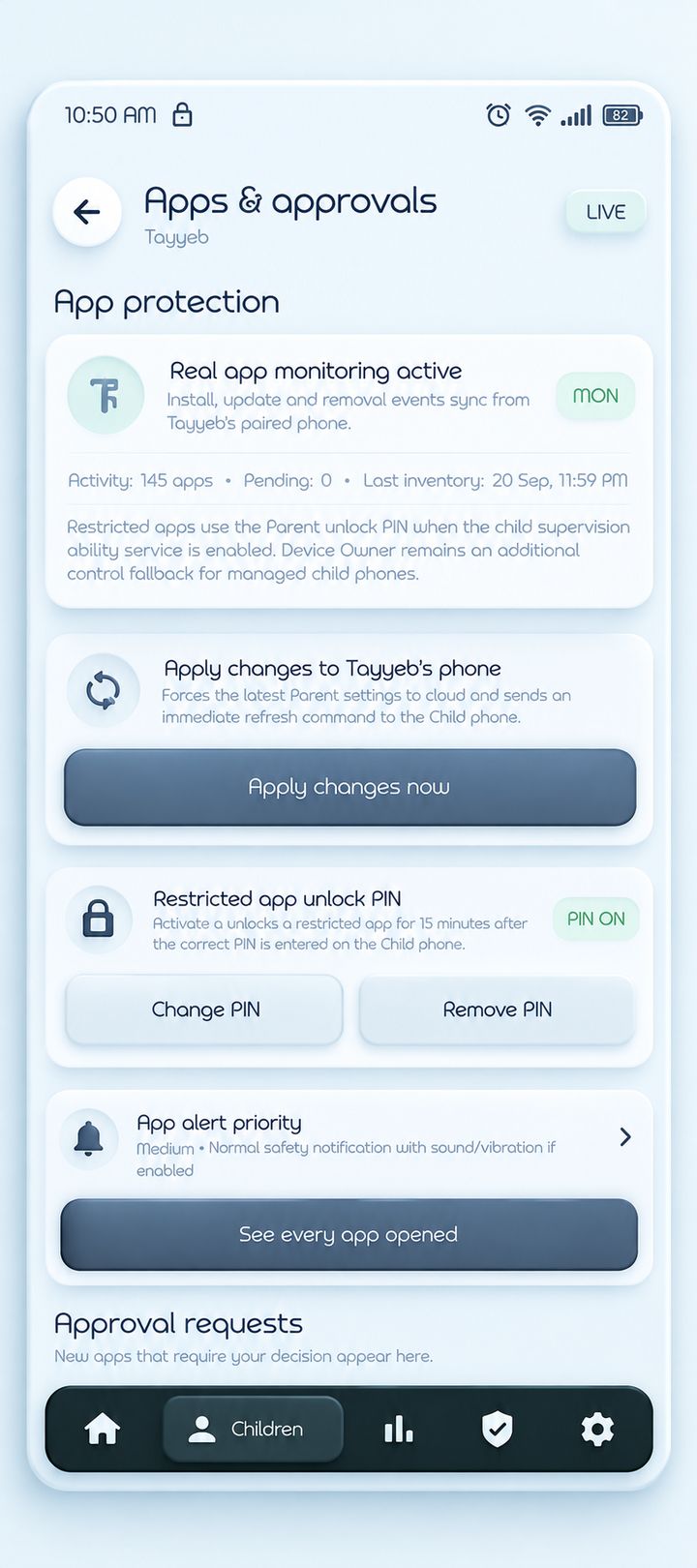
You get a list of every app installed on the child's phone. When a new app appears, it waits under Approval requests for your decision. Restricted apps can be opened for 15 minutes when the PIN is entered on the child's phone.
Restrictions depend on the permissions given on the child's phone.
Turn on SafeSearch, block whole categories such as adult content or gambling, or add single websites to your own allow and block lists.
This uses DNS filtering on the child's phone. SafeCir is a parental control app, not a VPN service.
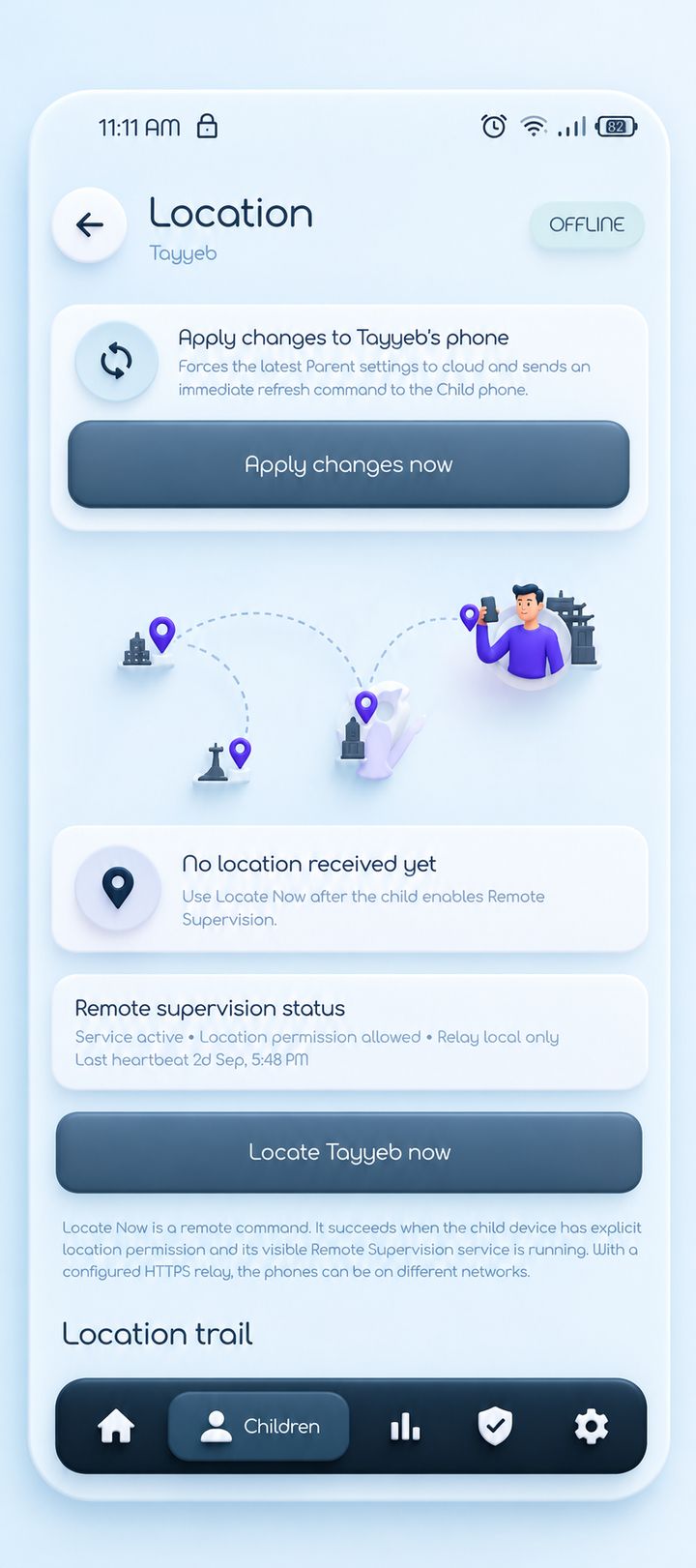
Use Locate now to ask your child's phone where it is. The screen also keeps a location trail and shows whether Remote Supervision is running on the child's phone.
It only works when the child's phone has location permission and its Remote Supervision service is running.
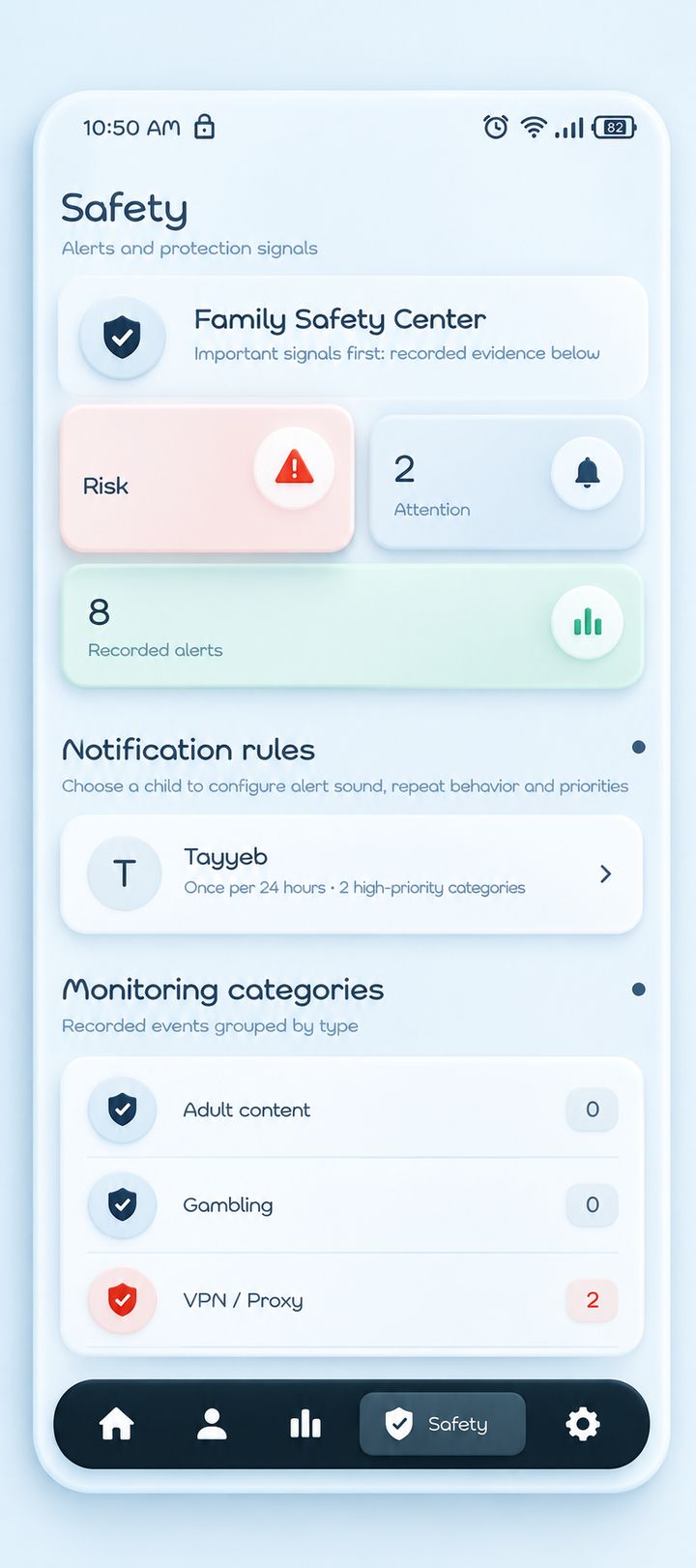
The Safety Center puts the most important signals first, then the recorded ones. Alerts are counted as Risk, Attention and Recorded, and grouped by type, such as adult content, gambling and VPN or proxy.
In Notification rules you choose each child's alert sound and how repeat alerts behave.
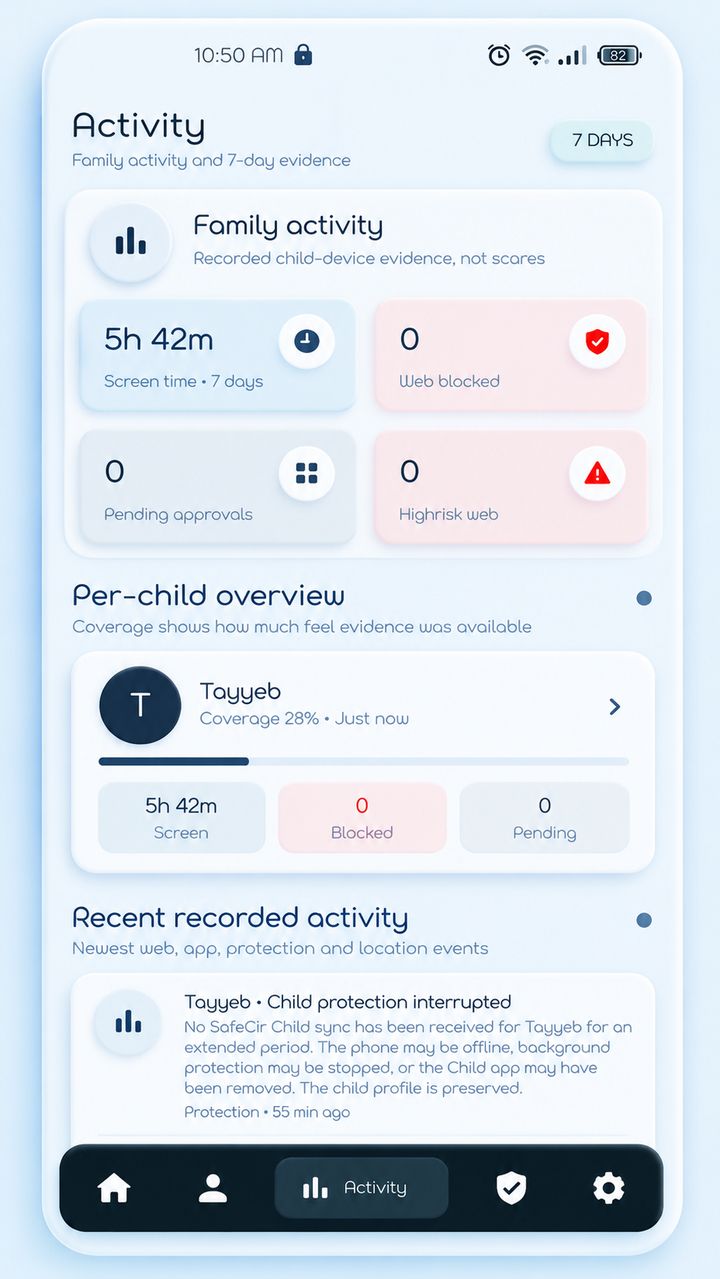
The activity page covers the last 7 days: screen time, blocked attempts and pending requests for each child.
A coverage percentage shows how much recent data the app received, so low numbers can simply mean the phone was offline.
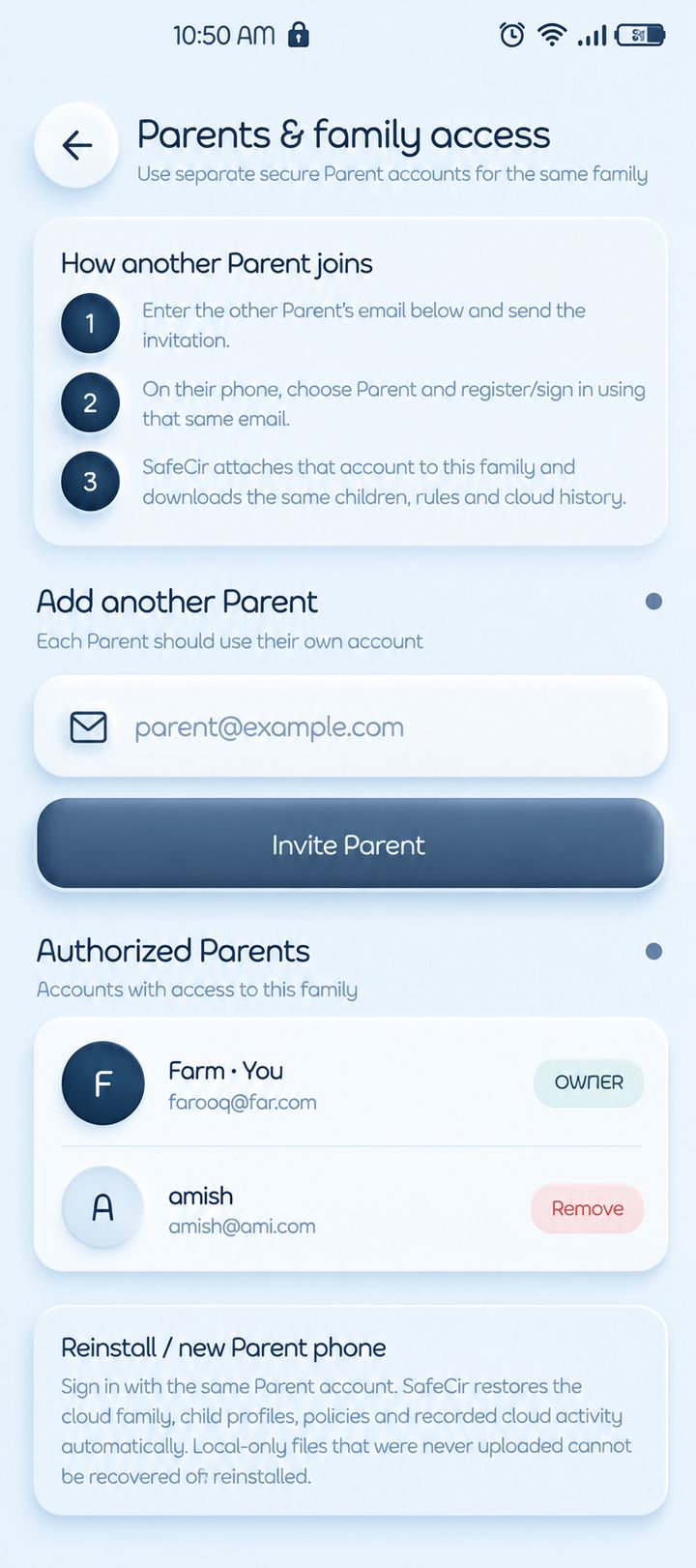
Invite the other parent by email. They sign in with their own account and see the same child profiles and rules you do.
Parents are listed under Authorized Parents, and the owner can remove access.
Change a setting, then tap Apply changes now. The Parent app saves it to the cloud and sends your child's phone a refresh command.
The child's phone has to be online to receive it.
Install the Parent app on your phone and the Child app on your child's phone. They work together.
Get SafeCirPrivacyInstall SafeCir on your phone, create your parent account and add your family.
Add a child profile and connect their phone. SafeCir only asks for sensitive access when a feature you turned on needs it.
Set screen-time, app and web rules, then tap Apply changes. They reach your child's phone when it is online.
SafeCir is being prepared for launch. Download buttons will appear here when the app is available.
Google Play · coming soon